
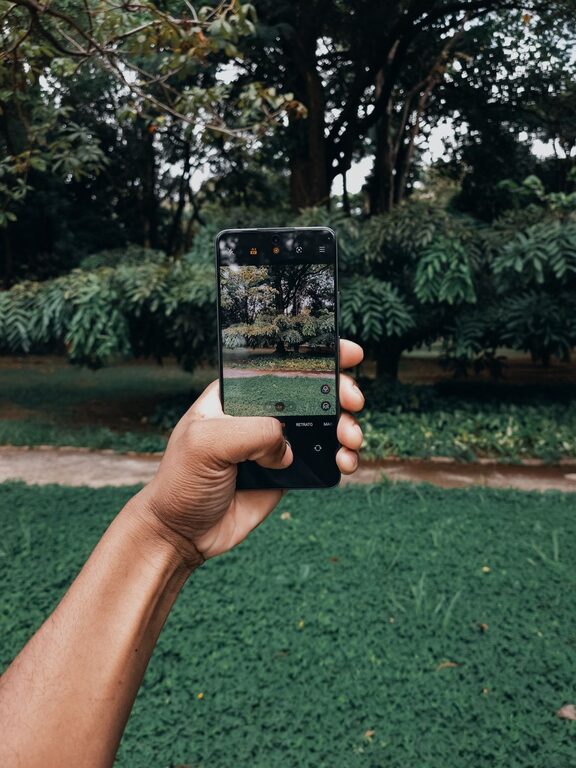
Taking great photos with your phone is easier than you might think. With the right approach and a few helpful tips, anyone can improve their smartphone photography skills and capture images that stand out. Whether you’re snapping pictures for social media, family memories, or just for fun, this guide will help you make the most of your phone’s camera.
Understanding Your Phone Camera
Before diving into specific tips, it’s important to know what your phone camera can do. Most modern smartphones come with multiple lenses, various shooting modes, and settings that can enhance your photos.
– Explore Camera Modes: Check out modes like Portrait, Night, Panorama, and Pro mode to see which one fits your situation.
– Learn Basic Settings: Understand options like HDR (High Dynamic Range), flash, timer, and resolution to get better control.
Composition Tips for Better Photos
Composition is key to creating visually pleasing photos. Here are some basic rules to keep in mind.
Use the Rule of Thirds
Imagine your screen divided into a grid of nine equal parts using two vertical and two horizontal lines. Placing your subject along these lines or at intersections makes photos more balanced and interesting.
– Enable the grid feature in your camera settings to visualize this while shooting.
Focus on Your Subject
Tap on your phone’s screen where you want to set the focus before taking a photo. This ensures your subject is sharp and well-exposed.
Keep It Simple
Avoid cluttered backgrounds by moving around or changing your angle. A clean background helps highlight your subject better.
Experiment With Angles and Perspectives
Try shooting from low, high, or unusual angles to add creativity and uniqueness to your photos.
Lighting: Your Best Friend
Lighting can make or break a photo. Luckily, natural light is available most of the time.
Use Natural Light Whenever Possible
– Shoot outdoors during the golden hour—shortly after sunrise or before sunset—for warm, soft light.
– Position your subject so that natural light falls on their face or the object you’re photographing.
Avoid Harsh Midday Sun
Direct sunlight can cause harsh shadows and overexposed areas. If shooting under bright sun, find some shade or use objects to diffuse the light.
Utilize Shadows and Silhouettes Creatively
Playing with shadows or taking silhouette shots against a bright background can add mood and interest to your photos.
Steady Your Shot
Blurry photos often come from camera shake. Here’s how to avoid that.
– Hold your phone with both hands for stability.
– Tuck your elbows close to your body to reduce movement.
– Use a tripod or stable surface if possible.
– Use the timer function or a remote shutter to take pictures without touching the screen.
Master Exposure and Focus
Your phone’s camera usually auto-adjusts exposure and focus, but you can take control for better results.
– Tap and hold on your subject to lock focus and exposure.
– Swipe up or down (on many phones) to adjust brightness manually before capturing the shot.
Use the Zoom Sparingly
Digital zoom reduces photo quality by cropping and enlarging the image. Instead of zooming, move closer to your subject or crop the photo later using editing tools.
Editing Your Photos
Editing helps enhance your images and correct minor issues.
Use Built-In Editing Tools
Most smartphones offer basic editing options like cropping, brightness, contrast, saturation, and filters. Experiment with these to improve your photos.
Try Third-Party Apps
Apps like Snapseed, VSCO, and Lightroom Mobile provide advanced editing features for fine-tuning your images.
Don’t Overdo It
Aim for natural-looking edits that enhance your photo without making it look artificial.
Practice and Experiment
Like any skill, getting better at phone photography takes practice.
– Take photos regularly and try different subjects and settings.
– Review your photos to understand what works and what doesn’t.
– Challenge yourself with themes like landscapes, portraits, or close-ups.
Backup Your Photos
To avoid losing your hard-earned shots:
– Use cloud services like Google Photos, iCloud, or Dropbox to automatically back up your images.
– Regularly transfer photos to your computer or external storage.
Final Thoughts
Taking better phone photos is about curiosity and practice. By exploring your camera’s features, paying attention to composition and lighting, and editing thoughtfully, you can capture beautiful moments anytime, anywhere. So grab your phone, try these tips, and enjoy the process of creating stunning images!